
Help customers choose
Explain exterior washes, detailing options and memberships without making customers decode a long service list.
DUBAI, UAE · WEBSITE · BOOKING JOURNEY · CRM AUTOMATION
We approached WASHSHARK as more than a website. The goal is to connect service discovery, appointment booking, customer records, membership visits and post-service follow-up into one clear operating journey.
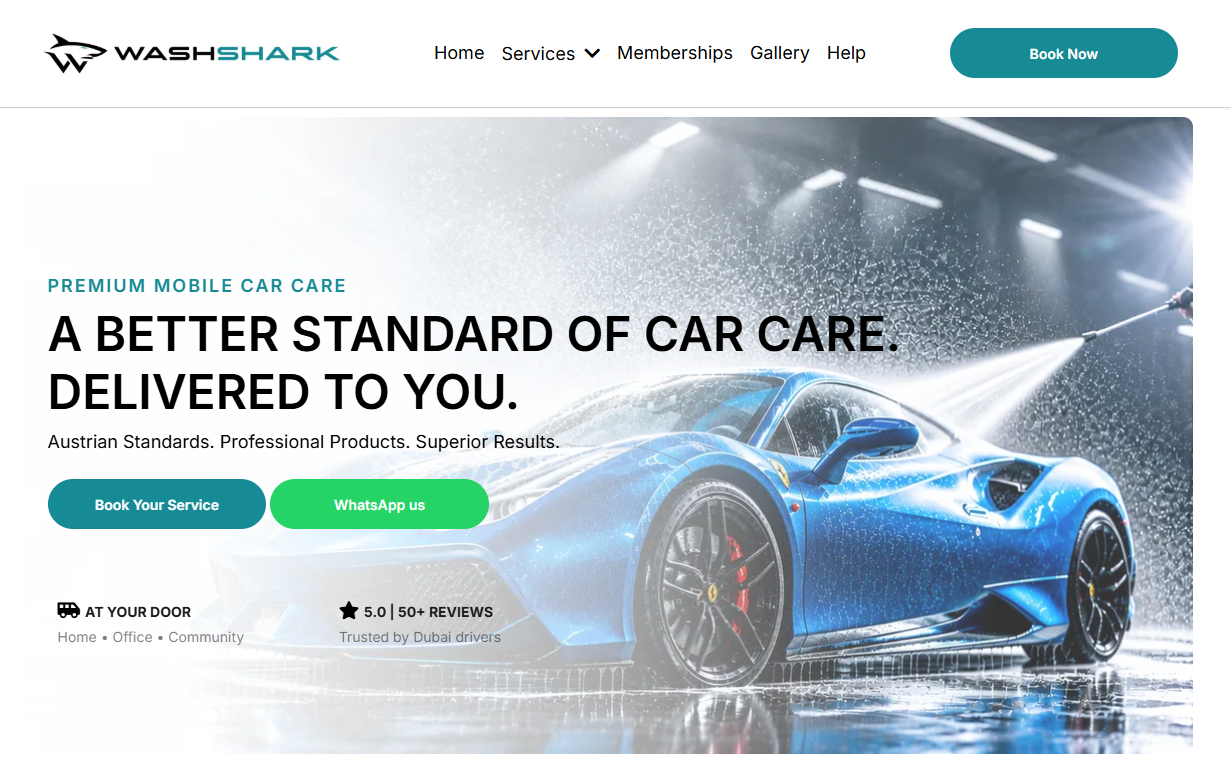
A mobile car-care business has several moving parts: service selection, vehicle and location details, availability, appointment changes, recurring memberships, customer communication and the next visit. If those steps are disconnected, staff may need to copy information between tools and customers may not know what happens next.
For WASHSHARK, Autrivon framed the experience around one practical outcome: make it easier for customers to book and easier for the team to see what needs attention. The system below is the solution architecture and workflow scope documented for this project—not a claim of measured revenue or conversion uplift.
Explain exterior washes, detailing options and memberships without making customers decode a long service list.
Capture contact information, vehicle type, service address, selected package, preferred time and any useful access notes.
Show available appointment slots and reduce back-and-forth when a customer wants to book or change a visit.
Keep lead source, requested service, status, owner and next action visible in a shared CRM record.
Track membership entitlements and visit sequence so a recurring customer does not have to explain their package every time.
Trigger appropriate reminders, review requests and future-service messages—with consent and clear stop rules.
The intended operating model links the front-end experience with booking operations and a CRM follow-up layer. Each tool should have one clear responsibility, and customer information should not need to be re-entered manually at every step.
Service page, membership page, booking CTA or enquiry form.
Service, slot, customer, vehicle and location details.
Contact, lead source, pipeline stage, appointment and visit history.
Confirmations, reminders, staff alerts, review and rebooking messages.
Integration note: the exact booking calendar, CRM fields, messaging channels and payment connection should be confirmed against the tools enabled for the live account. This architecture is not a claim that every third-party integration is already active.
Separate on-demand wash, detailing and membership options. Explain what is included, how long it takes and which vehicle types are supported.
Collect only the information the team needs to deliver the service and confirm the appointment.
Show a clear confirmation and explain what happens next, including how to contact the team if plans change.
Give returning customers a straightforward route to their next eligible visit without forcing them to start from zero.
A CRM should be an operational view, not just a database. Every open record needs a status, an owner and a next action. These stages are a proposed baseline and can be adapted to WASHSHARK's actual operations.
Lead source, campaign/UTM, requested service, vehicle type, service address, preferred slot, booking ID, appointment status, membership type, visit number, consent status, assigned team member and next follow-up date.
How many enquiries became bookings? Which source generated them? How many appointments were completed or cancelled? Which leads are waiting too long? How many customers rebooked? Which memberships have visits remaining?
Tracking principle: only collect data needed to deliver the service, support customers or evaluate marketing. Apply appropriate access controls and retention rules to customer and vehicle-location information.
Trigger: A new enquiry arrives. Actions: Create or update the contact, record source and service interest, notify the assigned team member and send an acknowledgement through the customer's permitted channel.
Guardrail: prevent duplicate contacts and avoid promising a booking until availability is confirmed.
Trigger: Appointment is successfully booked or updated. Actions: Send the booking summary, notify the internal team and schedule reminders at the agreed intervals.
Guardrail: cancel or reschedule events must update the reminders; completed or cancelled appointments should not receive stale messages.
Trigger: The team marks the service complete. Actions: Update the CRM stage, log the visit and send a polite review request after a suitable delay.
Guardrail: send one request per completed visit, respect opt-outs and do not fabricate or filter reviews.
Trigger: A member books or completes a visit. Actions: Record the visit number, update the membership's remaining entitlement and provide the next eligible booking path.
Guardrail: define package rules explicitly—validity period, visit allowance, rollover, cancellation and pause rules—before automation is activated.
Trigger: A completed customer has not returned within the agreed service interval. Actions: Send a relevant reminder or offer a direct rebooking link.
Guardrail: base timing on actual service cadence, consent and customer preferences; stop the sequence after a new booking, opt-out or support issue.
For membership plans—such as weekly maintenance, four visits per month or an unlimited plan—the rules need to be explicit before a workflow can manage visits reliably.
Record plan name, start and renewal dates, eligible services, visit limit, billing status and any blackout or usage rules.
Track each appointment as booked, completed, cancelled or missed. Do not count a cancelled booking as a completed visit unless the policy explicitly says so.
After completion, update the visit sequence and send the correct booking link only when the membership is active and eligible.
Before claiming business impact, establish a baseline and track the same events consistently. The following are recommended measures—not results reported by this case study.
Website booking clicks, WhatsApp starts, enquiry submissions, lead source and cost per qualified enquiry when ad spend data is connected.
Enquiry-to-booking rate, time from enquiry to booking, booking completion rate, reschedules, cancellations and no-shows.
Response time, overdue leads, appointment status accuracy, manual handoffs and failed notifications.
Repeat booking rate, membership visit completion, renewal rate, review request delivery and customer opt-outs.
Define GA4 events and/or CRM reporting for booking_cta_click, whatsapp_click, lead_submit, booking_confirmed, appointment_completed and membership_rebooked. Avoid sending names, phone numbers, exact addresses or other personal data into analytics event parameters.
Implementation transparency: this page describes the design, system plan and intended workflow behavior. Specific live integrations, payment processing, CRM automations and performance outcomes should only be marked complete after they are verified in the production accounts.
Direct answers for business owners evaluating a booking and CRM system for mobile car care.
Related guides: GoHighLevel CRM setup and lead follow-up automation.
We mapped the customer journey from service discovery and booking through CRM tracking, membership visit management and post-service follow-up. The focus is to make the experience clearer for customers and the next action more visible to the team.
Customers should choose a service, enter vehicle and location details, select an available time, receive a confirmation and reminders, and have a clear way to reschedule. The business should see the booking and customer history in a reliable record.
GoHighLevel can be configured for lead capture, contact records, pipeline stages, appointment workflows and follow-up reporting. The exact setup depends on the calendar, messaging, payment and other tools connected to the account.
No verified before-and-after figures have been supplied for this case study. We do not invent conversion, revenue or ranking claims. The measurement section explains what should be tracked after a rollout.
Let's map the booking flow, CRM stages and automation rules your business actually needs.
Book a strategy call ↗